Nextdoor Ads Manager: Drive real conversions, from neighborhoods to nationwide

house-fill

Access 1 in 3 U.S. households — verified, high-intent

audience-fill

Complement your existing media mix with an audience you can't reach anywhere else

chart-fill

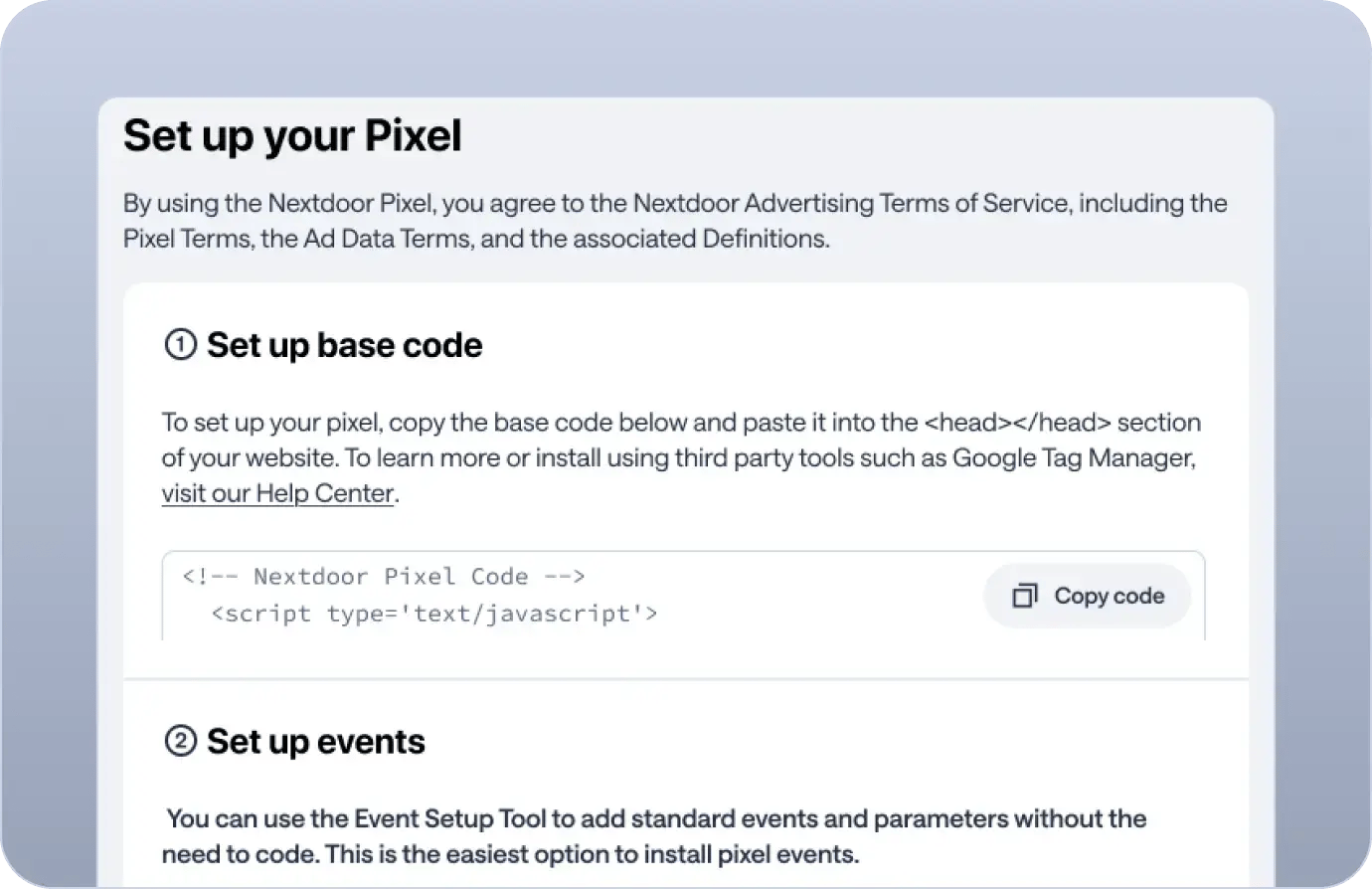
Measure and optimize for real conversions — Track online and in-store actions with the Nextdoor Pixel or Conversion API, and automatically optimize campaigns toward the results that matter.

Get started
GSH Sponsored Ad - Mobile
GSH Sponsored Ad - Desktop

Real conversion results from real advertisers

When comparing Nextdoor to Meta, we observed a 1.24x higher close rate from Nextdoor, affirming the neighborhood-based social platform's pivotal role in Groundworks' Paid Social strategy.

We’ve done a lot of direct mail, but Nextdoor Ads is much more effective and cost-efficient because members on Nextdoor are very committed to their communities and really want to support their local businesses.

arrow-up-right

Visiting Angels achieved a 64% year-over-year improvement in cost per lead — driven by switching to Nextdoor's Lead Gen ad product and an insight-informed creative strategy.

arrow-up-right

DirecTV achieved 3x higher engagement among neighbors exposed to the one-day takeover, with brand sentiment increasing to 56% post-campaign.

Talk to our team

A premium audience you can't reach anywhere else

In the last 30 days, this share of Nextdoor neighbors didn't visit these platforms

Pinterest
59%
Instagram
41%
TikTok
40%
Facebook
20%

*Comscore Media Metrix® Cross Visiting, Multi-Platform, Total Audience, Dec 2024, U.S.

handbag

60% of users have purchased

after first discovering a product here.

arrow-up-right

Neighbors spend 21% more

on their primary credit card than the average consumer. Unmatched reach among purchase decision-makers.

people

77% are homeowners

A high-value audience actively making decisions about their homes, finances, and families.

house

1 of 3 US households

are now on Nextdoor. That's 90M+ verified neighbors.

Get started

How Nextdoor Ads Manager can drive results

_replace

Convert with the right targeting

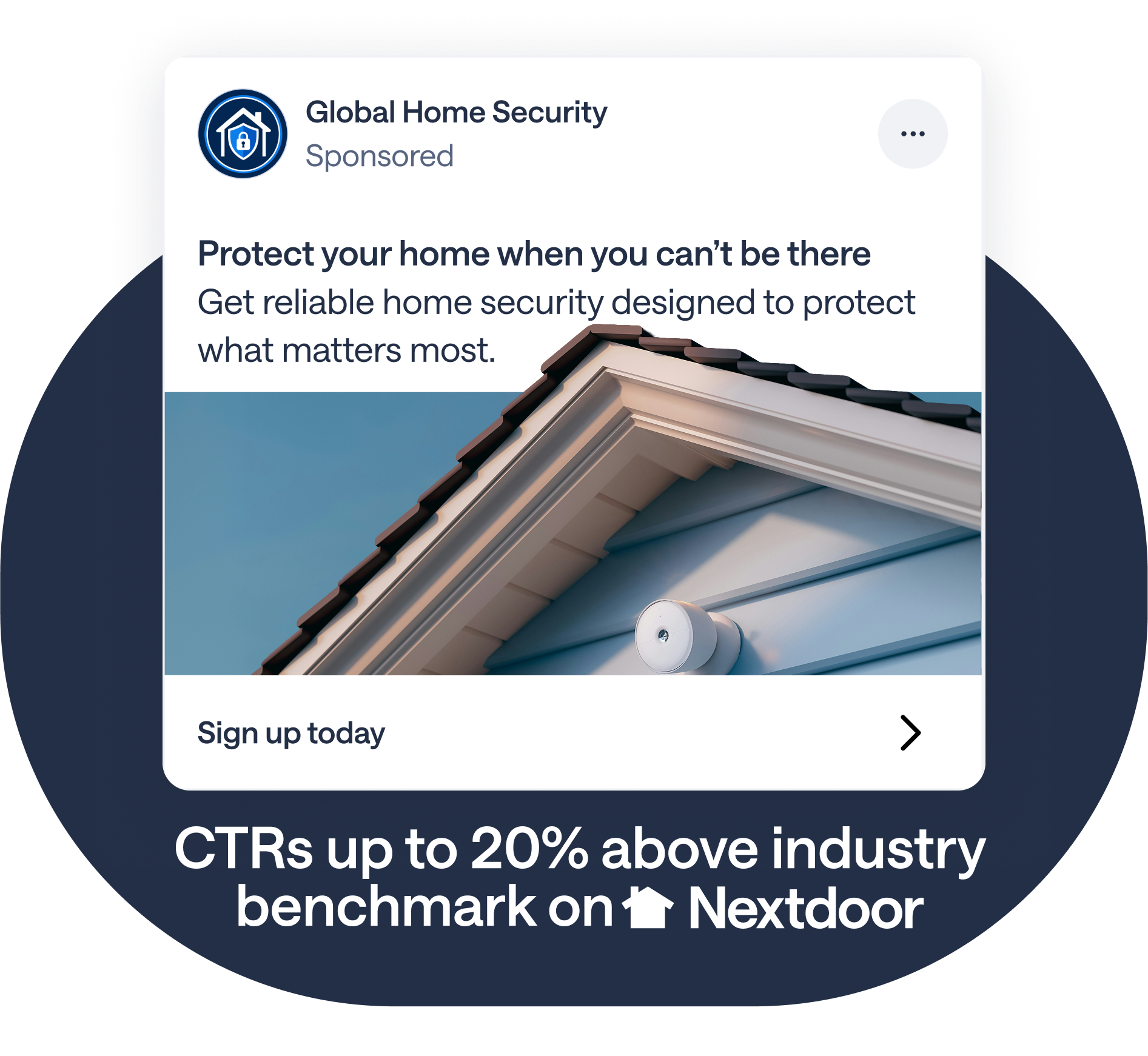
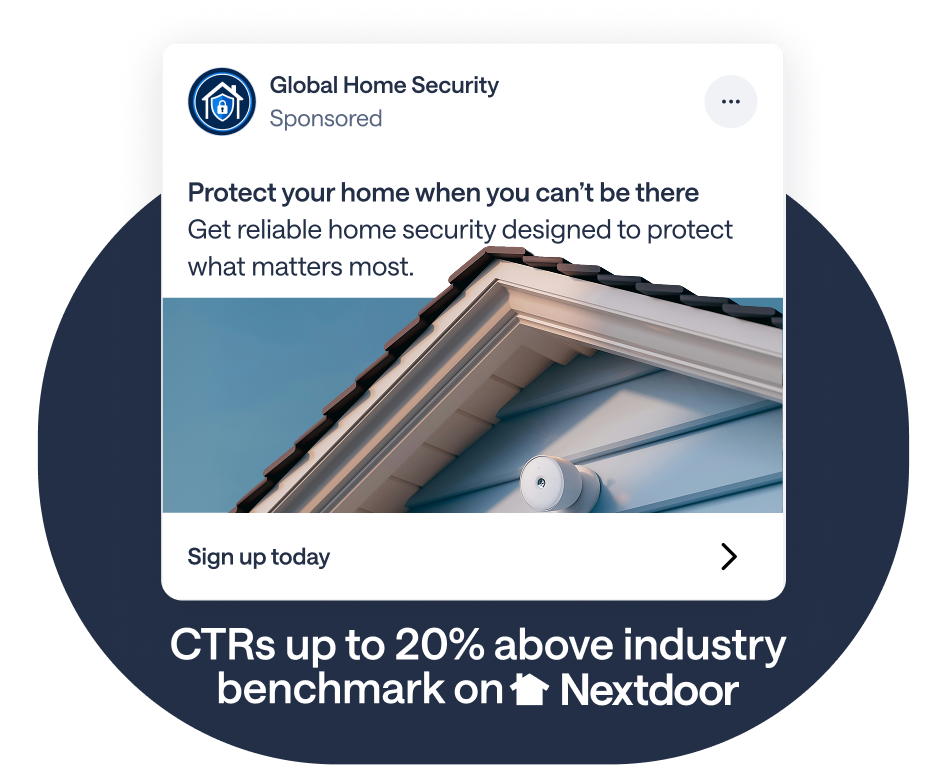
Nextdoor audience models Purpose-built audience segments that consistently outperform industry CTR benchmarks — like the +20% shown above.

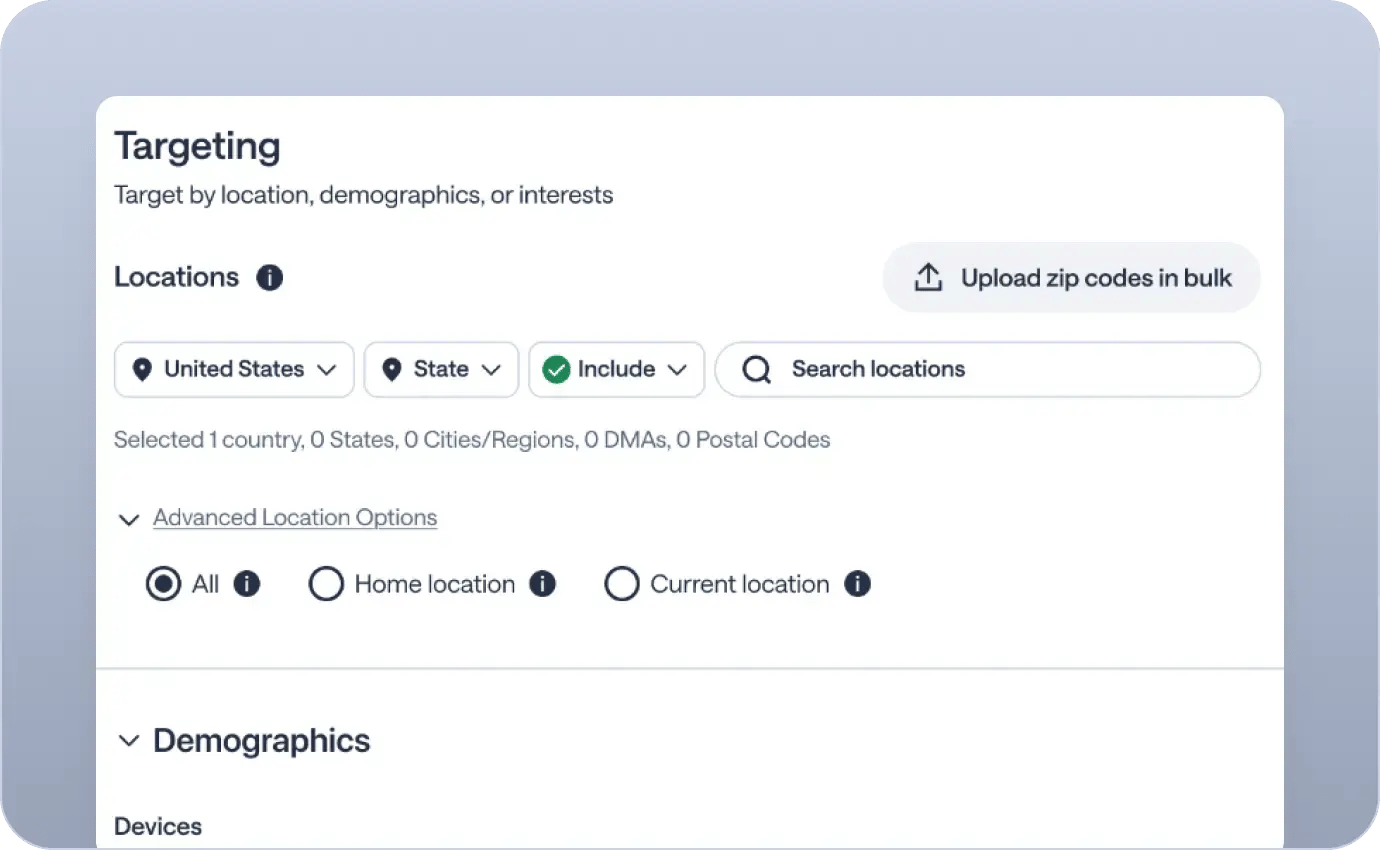
Demographic and interest audiences Target by homeownership, income, age, gender, and behavior on Nextdoor.

CRM Lookalike Audiences Upload your customer lists, suppress existing customers, and find high-value lookalikes across Nextdoor's verified neighbor network.
Get started

_replace

Prove your ROI

header

Prove your ROI

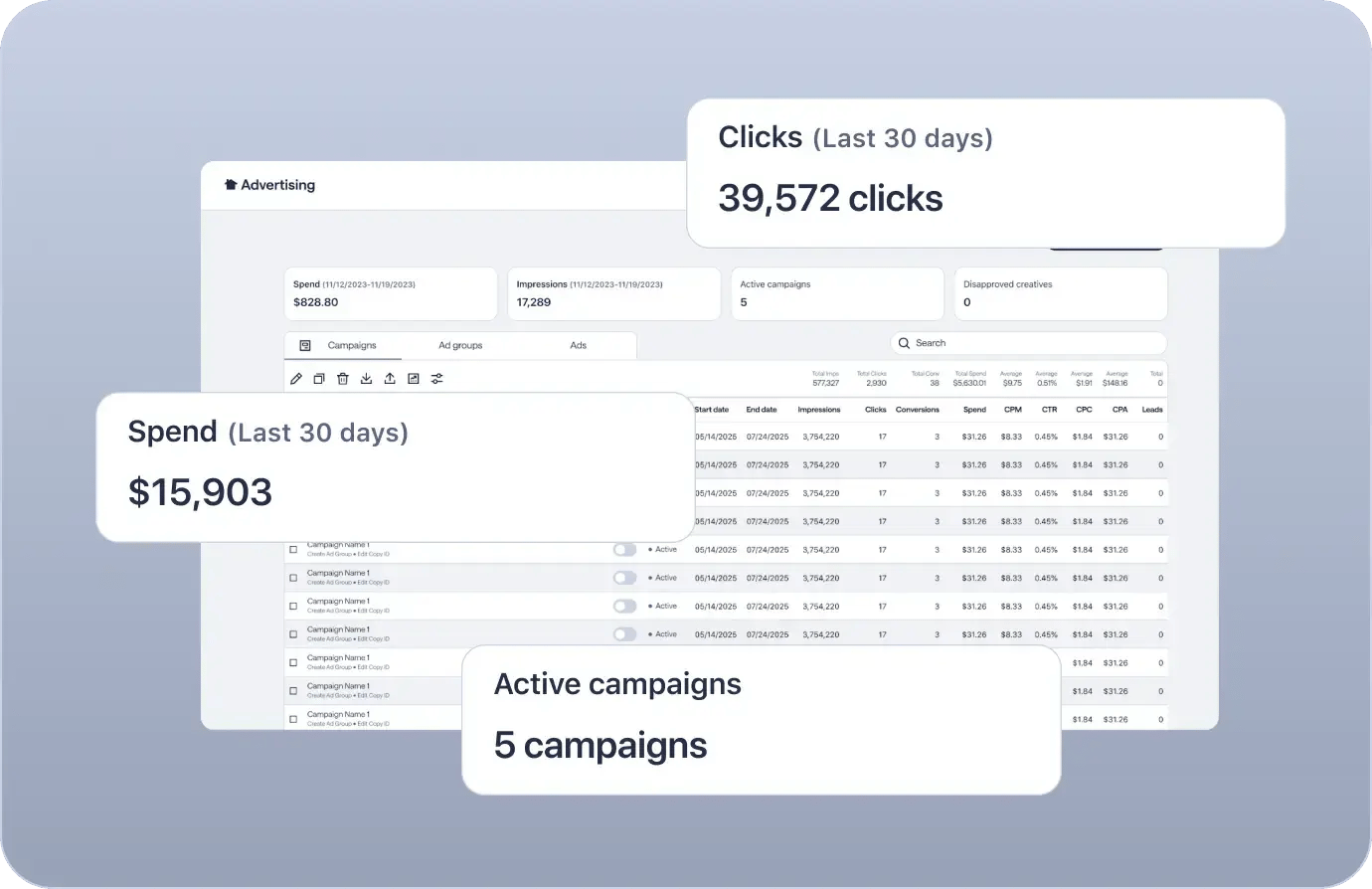
Accurate attribution Track conversions with the Nextdoor Pixel or Conversion API to see which ads drive actions.

Brand lift and foot traffic Measure what matters to your brand — awareness lift, purchase intent, and in-store foot traffic — through our certified measurement partners.

Flexible solutions Use your preferred tools. Nextdoor supports a wide range of measurement integrations.
Get started

header

Scale conversions across every market

group_1422157754

Scale conversions across every market

Grow your program, backed by our team with dedicated account management and strategic support.

Programmatic access via our API and DSP integrations.

Bulk campaign management across hundreds of markets.

Get started

group_1422157754

Frequently asked questions

What creative specs are used on Nextdoor?

Following the creative best practices in this article will help you create ads that are more likely to be noticed, engage with the local community, and drive conversions or sales.


Use one of the links below to jump to the specs for that type of ad:

How can users be added to an account?

Collaborating with your team on advertising campaigns is easy with Ads Manager..


Only administrators of the ad account can add more users. If you don't have admin access, you'll need to reach out to your current account administrator to request that new users be added.


Follow these steps to invite a new user:

  1. Log in to your Ads Manager account.
  2. Click on your account profile (at the top right corner of the page).
  3. From the drop-down menu, select Business settings.
  4. Select Users from the options on the left-hand side of the page.
  5. Click on the Invite users button.
  6. Enter the person's name and the email address they will use to sign up for or log in to Ads Manager.
  7. Carefully select the specific role(s) that you'd like the user to have for each of your ad accounts (e.g., Admin, Advertiser, Finance). Learn more about user roles.
  8. Select Send invite to send the invitation. The invited user will receive an email notification. They can gain access by clicking the link in the email and creating a login or using their existing Nextdoor credentials associated with the provided email address.


Important Note: If you encounter invitation issues, it's often because the user's email is already linked to another Nextdoor Ads account. In these instances, please contact our support team so we can provide assistance.

How is the Nextdoor pixel installed?

The Universal Pixel is a combined pixel code snippet used by Nextdoor advertisers for both page views and conversions. It simplifies implementation compared to the legacy framework, which used separate base and conversion pixels.


See the Nextdoor Developer guide on our Nextdoor Universal Pixel for instructions on how to install the Universal Pixel either directly/manually or through a tag management system like Google Tag Manager.

What is the best way to determine a budget that works for account goals?

Select from two options:

  • Daily Goal - Your Daily Goal is the amount you want to spend on your ads each day. Our system works to serve ads until this amount is reached, and you will not be charged for any amount spent beyond this goal.
  • Lifetime Budget - This budget option allows you to set a single, total spending limit for the entire duration of a campaign. When you choose a Lifetime Budget, you must also define a specific start and end time for your campaign.


Important: The amount of ad spend each day is not the amount you'll be charged daily. Instead, that daily spend is added to your Billable Balance as your ads run. You will then be charged only when your balance reaches your Billing Threshold. Learn more about billing.

For more information on delivery preferences and bid types, please visit our Help center.

How can an ad be previewed on the Nextdoor newsfeed before it goes live?

In Ads Manager, you can generate and share preview links for any ad you’ve created, and view ads live in the Newsfeed on web and mobile.

  • During ad creation

    When building your creative, you can view a preview to the right of the ad builder in the Ad Preview box. Click the preview icon  to expand the preview. Options to share the preview and view it live in the feed will become available after you save your creative. 

  • After ad creation

    On the home screen/overview page, select the “Ads” tab. Select any Newsfeed ad using the checkbox, then click the eye icon from the top navigation bar.  

Get started