.svg)


.svg)


Access 1 in 3 U.S. households — verified, high-intent

Complement your existing media mix with an audience you can't reach anywhere else

Measure and optimize for real conversions — Track online and in-store actions with the Nextdoor Pixel or Conversion API, and automatically optimize campaigns toward the results that matter.




When comparing Nextdoor to Meta, we observed a 1.24x higher close rate from Nextdoor, affirming the neighborhood-based social platform's pivotal role in Groundworks' Paid Social strategy.
We’ve done a lot of direct mail, but Nextdoor Ads is much more effective and cost-efficient because members on Nextdoor are very committed to their communities and really want to support their local businesses.

Visiting Angels achieved a 64% year-over-year improvement in cost per lead — driven by switching to Nextdoor's Lead Gen ad product and an insight-informed creative strategy.
DirecTV achieved 3x higher engagement among neighbors exposed to the one-day takeover, with brand sentiment increasing to 56% post-campaign.

60% of users have purchased
after first discovering a product here.
Neighbors spend 21% more
on their primary credit card than the average consumer. Unmatched reach among purchase decision-makers.

77% are homeowners
A high-value audience actively making decisions about their homes, finances, and families.

1 in 3 US households
are now on Nextdoor. That's 90M+ verified neighbors.

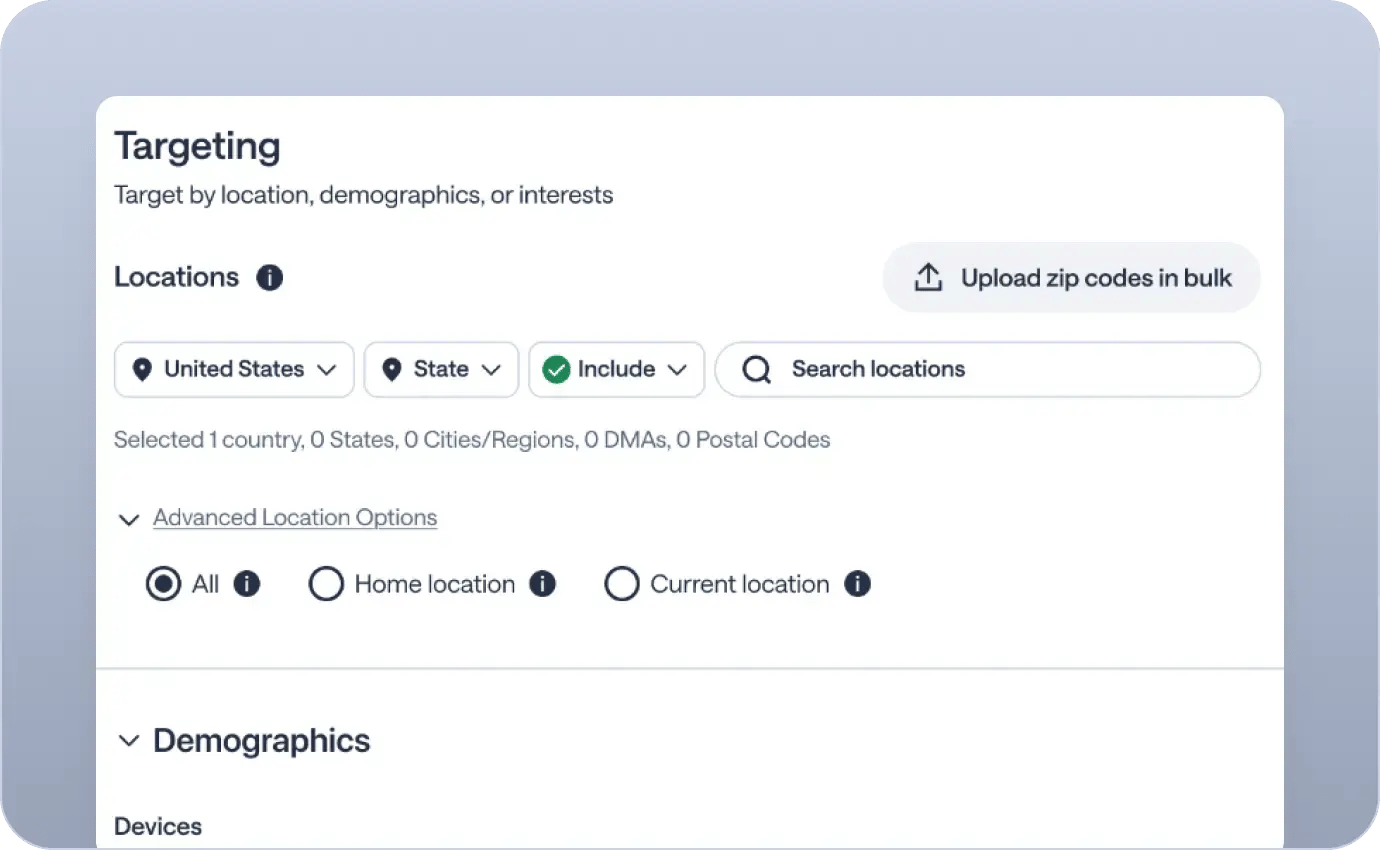
Nextdoor audience models Purpose-built audience segments that consistently outperform industry CTR benchmarks — like the +20% shown above.
Demographic and interest audiences Target by homeownership, income, age, gender, and behavior on Nextdoor.
CRM Lookalike Audiences Upload your customer lists, suppress existing customers, and find high-value lookalikes across Nextdoor's verified neighbor network.
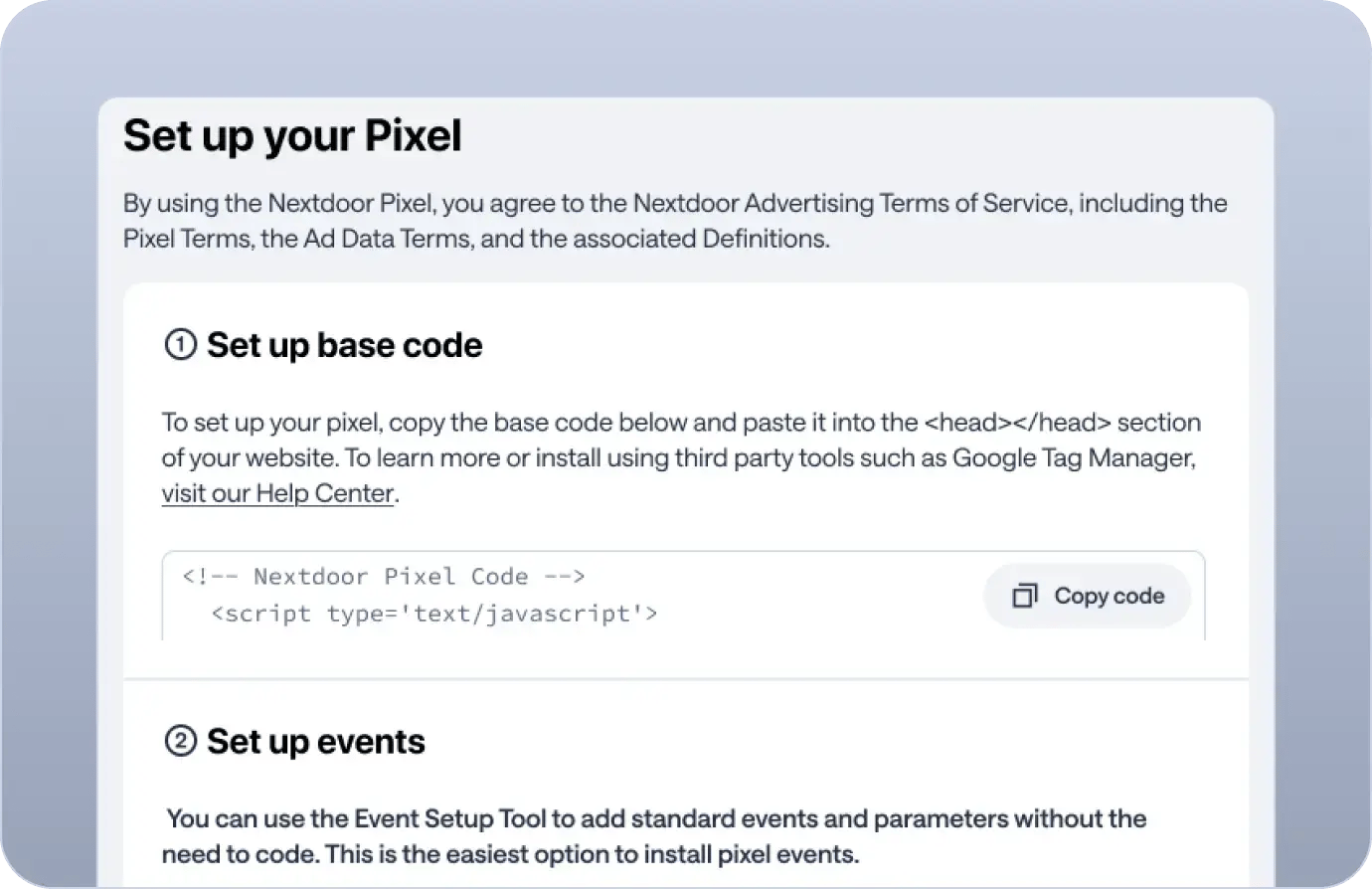
Accurate attribution Track conversions with the Nextdoor Pixel or Conversion API to see which ads drive actions.
Brand lift and foot traffic Measure what matters to your brand — awareness lift, purchase intent, and in-store foot traffic — through our certified measurement partners.
Flexible solutions Use your preferred tools. Nextdoor supports a wide range of measurement integrations.
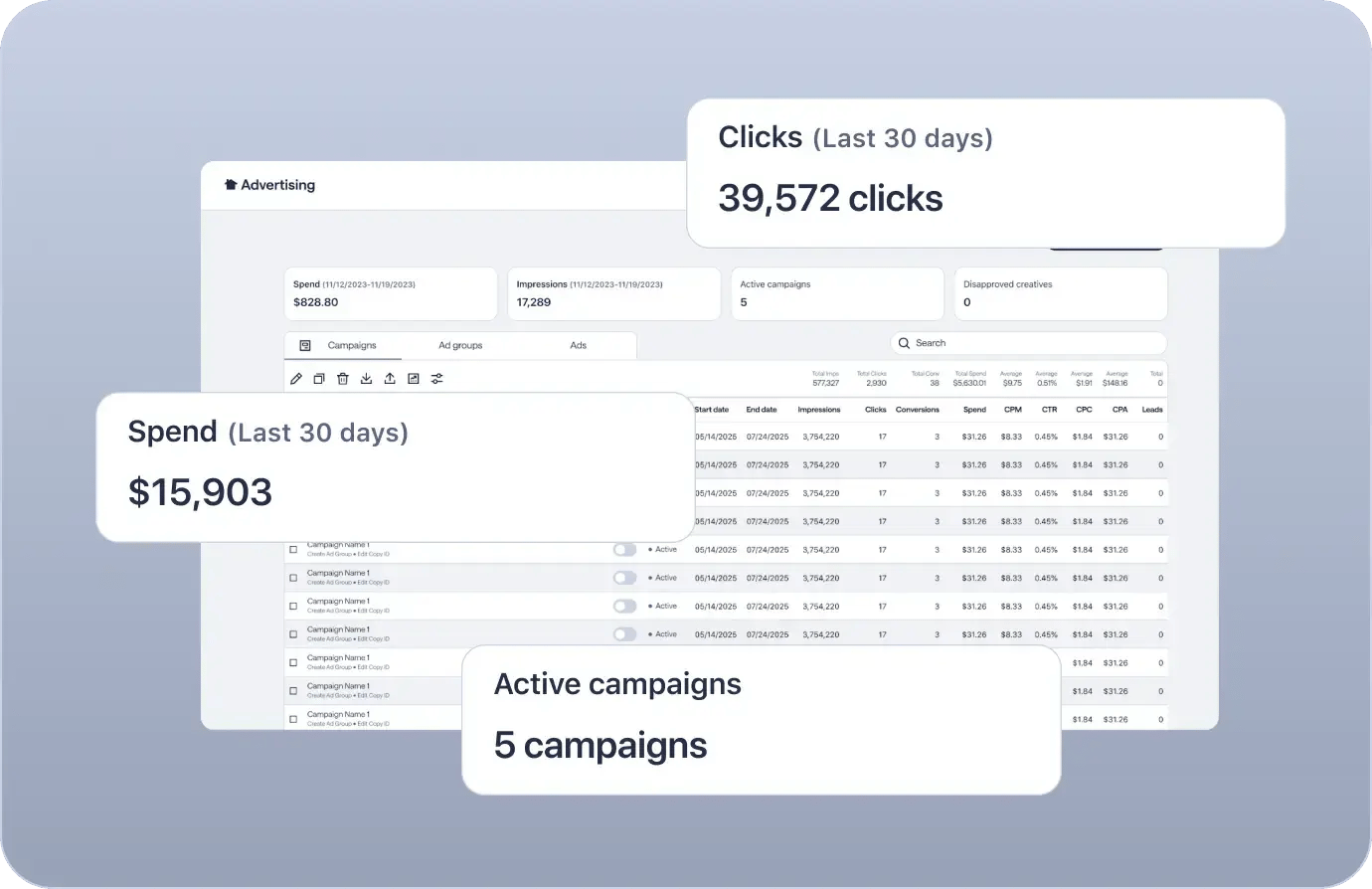
Grow your program, backed by our team with dedicated account management and strategic support.
Programmatic access via our API and DSP integrations.
Bulk campaign management across hundreds of markets.